If you have ever looked at your phone’s home screen and felt like it needed a change, you are not alone. Most Android phones come with a basic setup that works fine but does not feel personal. That is where Total Launcher comes in. It gives you full control over how your phone looks and feels from the moment you unlock it.
This article covers everything you need to know about Total Launcher – what it does, why people love it, how to get it on your phone, and whether it is the right fit for you.
What is Total Launcher?
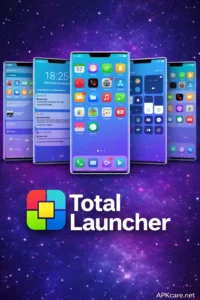
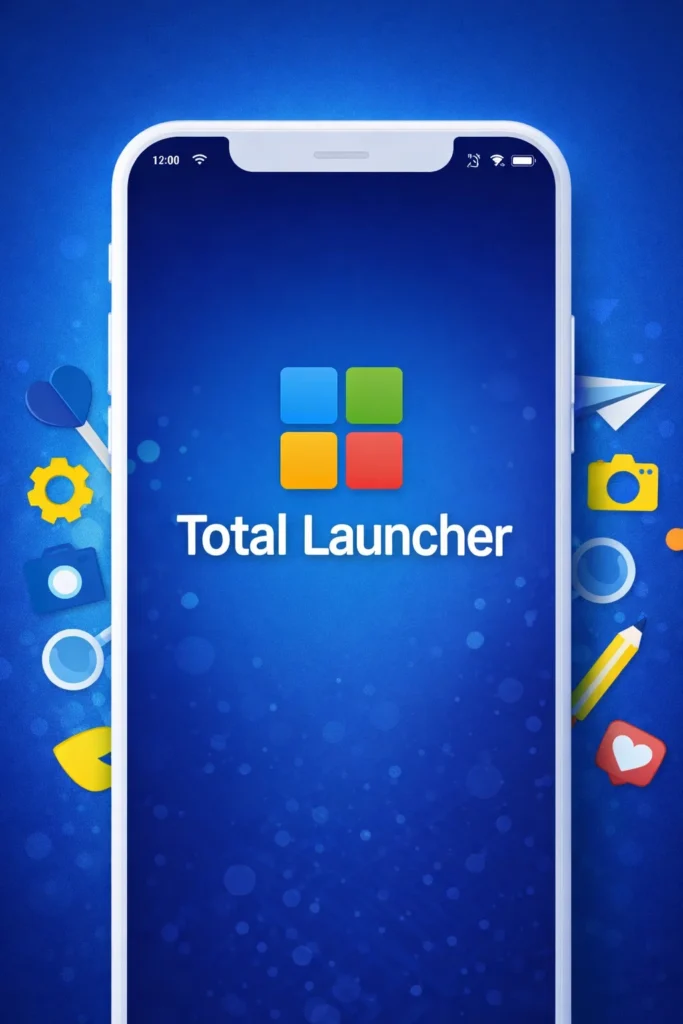
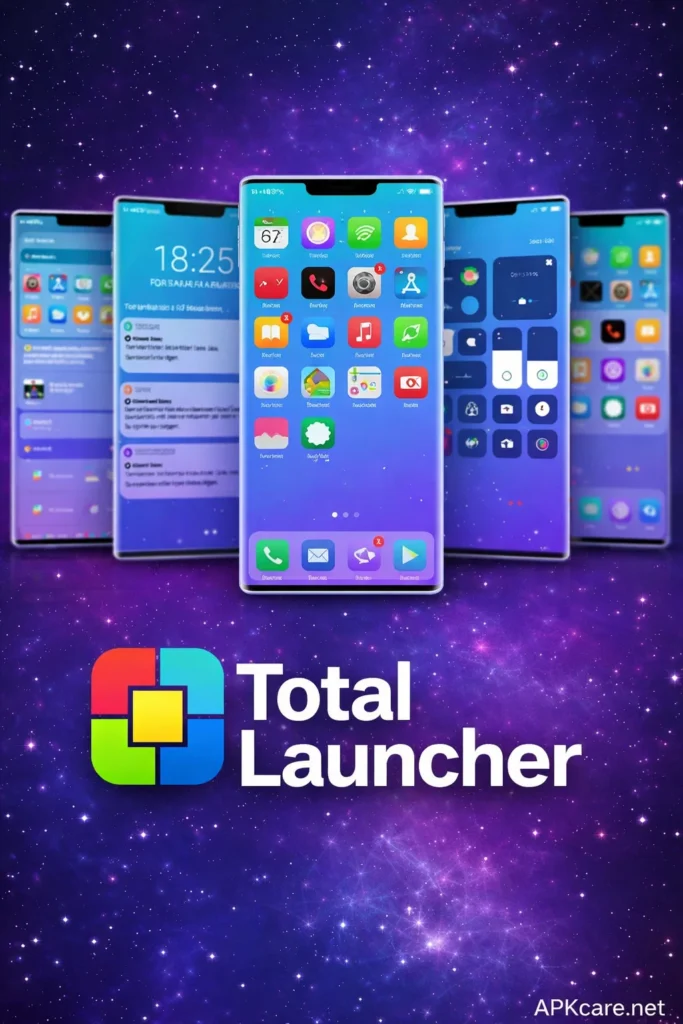
Total Launcher is an Android home screen replacement app. Instead of using the launcher that came with your phone from the factory, you replace it with this one. Once installed, it takes over your home screen and app drawer, giving you a completely different experience.
The app is built for people who like things a certain way. You can change layouts, pick different fonts, resize icons, adjust spacing, and switch up the overall style. It does not matter if you want something minimal and clean or something bold and packed with shortcuts – the app handles both without any trouble.
What makes it stand out from other launchers is how deeply you can go with the settings. Most basic launchers let you change a wallpaper or move some icons around. Total Launcher goes far beyond that. It gives you control over grid size, scroll effects, gesture controls, and much more. People who enjoy tweaking their setup will find a lot to play with here.
Features of Total Launcher
Full Home Screen Control
The biggest draw here is complete home screen freedom. You decide how many rows and columns appear on your screen. You pick where apps go, how big icons look, and whether labels show underneath them. Nothing is locked in place.
You can also set up multiple home screen pages and organize them however you like. Put your most-used apps on the first page, entertainment stuff on the second, and tools on the third. The setup is completely up to you.
Custom Themes and Looks
Total Launcher supports themes, which means you can totally change how your phone looks in just a few taps. There are dark themes, light themes, colorful ones, and simple ones. If none of the built-in options match your taste, you can tweak colors, backgrounds, and icon styles manually.
This makes a huge difference for people who want their phone to match their personality or mood. You can keep things professional during work hours and switch to something more fun afterward.
Gesture Controls
Instead of tapping through menus to do simple things, you can set up gestures. Swipe up to open the app drawer. Swipe down to pull the notification shade. Double-tap a blank space to lock the screen. These small shortcuts save a surprising amount of time throughout the day.
Once you set up your preferred gestures, using your phone starts to feel faster and more natural. You stop hunting around for buttons and just swipe to get things done.
Widget Support
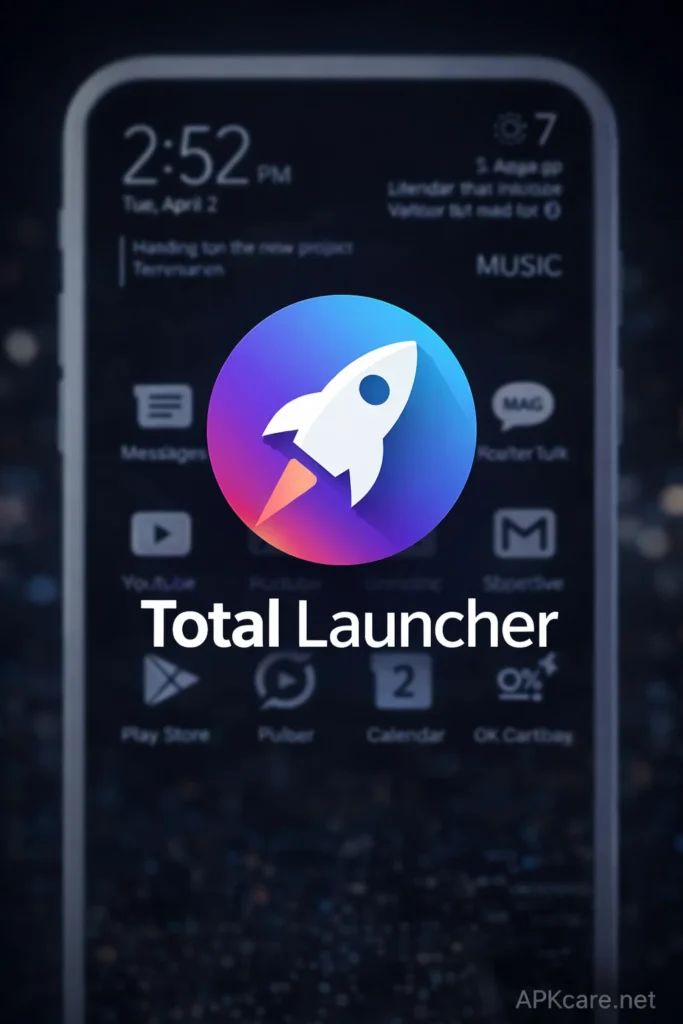
Widgets are small panels you place on your home screen that show live information. Weather updates, calendar events, music controls, battery status – all of these can sit right on your home screen so you see them without opening any app.
Total Launcher supports a wide range of widgets and lets you resize and reposition them freely. You are not stuck with fixed sizes or locked positions like on some other launchers.
App Drawer Options
The app drawer is where all your installed apps live. With this launcher, you can sort them alphabetically, by recent use, or by category. You can also hide apps you never use so the drawer stays clean and easy to browse.
This is great for people who have a lot of apps installed but only actively use a fraction of them. Hiding the clutter makes everything faster to find.
Scroll Effects and Animations
Small details matter when you are looking at your phone dozens of times a day. Total Launcher includes different scroll effects for moving between home screen pages. You can go with a simple slide, a cube rotation, a fade, or other styles. The animations are smooth and give your phone a polished feel.
Pros and Cons
Pros
The level of customization here is hard to match. You really can make your phone look like nothing else out there. The gesture controls are a genuine quality-of-life improvement once you get used to them. Performance stays smooth even on older phones, which is a big plus since some heavy launchers slow things down. The app also does not drain your battery the way some resource-heavy launchers do.
The learning curve is manageable. It might take an afternoon to get everything set up the way you want, but once you do, you rarely need to touch the settings again.
Cons
The sheer number of options can feel overwhelming at first. If you just want something simple that works out of the box, the settings menu might feel like too much. Some features are locked behind the paid version, which means the free download gives you a taste but not the full meal.
Also, since it is not always easy to find on official stores, some users end up downloading the APK file directly. This is fine if you use a trusted source, but it does require enabling installation from outside the Play Store.
How to Download and Install Total Launcher
- Find the APK file Look for a reliable website that hosts the Total Launcher APK file. Read reviews of the site before downloading anything. Stick to sources that other Android users recommend.
- Enable Unknown Sources Go to your phone’s Settings, then Security or Privacy. Look for an option called Install Unknown Apps or Unknown Sources and turn it on for your browser or file manager. This allows your phone to install apps from outside the Play Store.
- Run the installer Open your Downloads folder and tap the APK file you saved. A prompt will appear asking if you want to install it. Tap Install and wait for the process to finish.
- Set it as default After installation, your phone will ask which launcher you want to use. Select Total Launcher and choose to always use it. Your home screen will immediately switch over.
- Set it up your way Open the launcher settings and start customizing. Change the grid, pick a theme, set up your gestures, and arrange your apps. Take your time with this step since the setup you create here is what you will live with every day.
Is Total Launcher Right for You?
If you enjoy personalizing your phone and want more control than stock Android offers, Total Launcher is worth trying. It handles everything from tiny visual details to big layout changes. People who invest a little time into setting it up usually stick with it for a long time.
If you prefer something simple that you never have to think about, a more basic launcher might suit you better. But for anyone who has ever wanted their phone to feel truly theirs, Total Launcher delivers exactly that.
Download Total Launcher today, take an hour to set it up, and see how different your phone can feel when it actually matches the way you use it.