Your phone screen is bright. Really bright. And if you are someone who uses their phone for long hours every day, that brightness adds up fast. Eye strain, headaches, and poor sleep are things millions of phone users deal with every single day without realizing their screen is a big part of the problem. Dark Pro is a simple app that fixes this in a way that actually works. This article tells you everything about it so you can decide if it is right for you.
What Is Dark Pro?
Dark Pro is a free Android app that brings dark mode and screen filtering to your phone. It dims your screen, cuts down harsh blue light, and makes everything easier to look at whether it is daytime or the middle of the night. The app goes beyond the basic dark mode that comes built into most Android phones and gives you real control over how your screen looks and feels.
The idea behind Dark Pro is simple. Bright white screens are hard on your eyes, especially in low light. By putting a dark layer over your screen and shifting the colors toward warmer tones, the app makes your phone much more comfortable to use for long periods of time. Once you try it, going back to a plain bright screen feels like staring into a flashlight.
Dark Pro works across all your apps, including older ones that do not have their own built in dark mode. That means your whole phone gets a consistent dark look, not just a few apps here and there.
How to Get Started With Dark Pro?
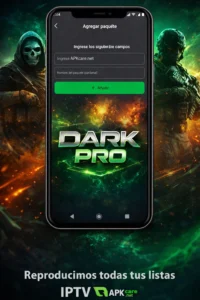
Getting Dark Pro up and running takes just a few minutes. You download the app, open it, and give it the permissions it needs to display over other apps and adjust your screen. These permissions are standard for this type of app and are needed for it to do its job properly.
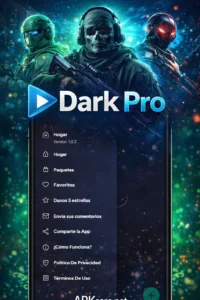
Once you are inside the app, you will see a simple main screen with easy to understand controls. You can turn the dark overlay on or off with one tap, adjust how dark the overlay is, and change the color temperature of your screen. The whole setup process is quick and nothing about it is confusing even if you are not a tech savvy person.
Dark Pro also has a scheduling feature that lets you set the app to turn on and off automatically. Set it to activate at sunset and deactivate at sunrise and you never have to think about it again. The app handles everything on its own from that point.
Main Features of Dark Pro
Dark Pro keeps things focused. It does not try to do too many things at once. Every feature inside the app is there for a clear reason and works exactly the way you would expect it to.
The screen overlay is the main feature of Dark Pro. It puts a dark layer over your entire screen that you can adjust from very light to very dark depending on what you need. Use a lighter setting during the day to take the edge off a bright screen and a stronger setting at night when you want to keep things as dim as possible.
The blue light filter works alongside the overlay to shift your screen toward warmer orange and yellow tones. This is especially helpful in the evening because blue light tells your brain to stay awake. Cutting it down before bed helps your body relax and makes it easier to fall asleep after you put your phone down.
Scheduling lets Dark Pro run on autopilot. You pick the times you want it on and off and the app does the rest. No need to remember to turn it on every evening or off every morning.
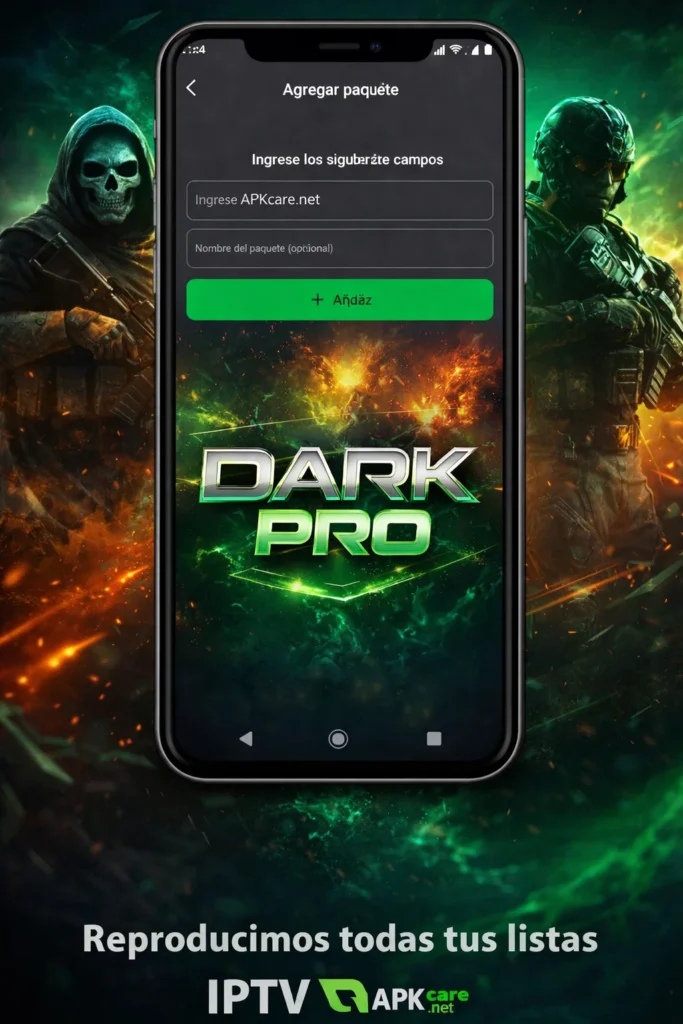
The quick access toggle lives in your notification bar so you can turn Dark Pro on or off without opening the app at all. One swipe and one tap is all it takes.
Battery saving is a bonus benefit that comes with using Dark Pro on phones with OLED or AMOLED screens. Dark pixels on these screens use less power than bright ones so running dark mode regularly can help your battery last longer through the day.
Why Dark Pro Is Better Than Built In Dark Mode?
Most Android phones have a dark mode option in the settings. So why use Dark Pro when that is already there? The answer is control. The built in dark mode on most phones is a simple on or off switch. It does not give you any way to adjust how dark things get or how warm the colors are. It also does not work with every app on your phone.
Dark Pro fills all those gaps. You can fine tune the darkness level to exactly what feels right for your eyes. You can set different levels for different times of day. And it works across every app on your phone, not just the ones that support dark mode natively.
For people who are serious about protecting their eyes and getting better sleep, that extra level of control makes a real difference.
Who Will Benefit Most From Dark Pro?
Dark Pro is a good fit for a lot of different people. If you read a lot on your phone, whether it is articles, books, or long threads on social media, your eyes will thank you for using this app. Reading on a bright white screen for a long time is one of the fastest ways to end up with tired sore eyes by the end of the day.
People who use their phones late at night will find Dark Pro especially useful. Keeping your screen dim and warm in the hours before bed is one of the easiest things you can do to improve your sleep without changing anything else about your routine.
Anyone who works in a dark environment, like night shift workers or people who work in dimly lit spaces, will appreciate being able to bring their screen brightness down far below what the standard brightness slider allows.
Even casual users who just want their phone to feel a little more comfortable during everyday use will notice the difference after a few days with Dark Pro running.
Is Dark Pro Free?
Yes, Dark Pro is free to download and use. The core features that most people need, including the dark overlay, blue light filter, scheduling, and quick toggle, are all available without paying anything. The app is straightforward about what is free and what is not, which is something worth appreciating in a world full of apps that hide their best features behind paywalls.
Downloading Dark Pro is simple. Open the Google Play Store, search for the app by name, and install it. The whole process takes less than a minute and the app is ready to use right away.
Final Thoughts
Dark Pro is one of those apps that seems small but makes a noticeable difference in how you feel after using your phone. Your eyes feel less tired, your sleep gets a little better, and your screen just looks nicer overall. It is free, it is easy to set up, and it works across your whole phone without any complicated steps.
If you spend a lot of time on your phone and you have never tried a proper dark mode app before, Dark Pro is the perfect place to start. Download it today, set up your first schedule, and see how much better your screen can feel.