Getting lost is never fun and having a reliable compass on your phone can save you a lot of trouble whether you are hiking, camping, or just trying to figure out which direction you are facing in an unfamiliar place. Compass Steel 3D is one of those apps that has been getting steady attention from people who want a compass tool that actually looks good and works properly at the same time.
This article gives you a simple and clear look at this app. What it is, how it works, what features it includes, who it is best suited for, and how to get it on your Android device. Everything is kept easy to read so you can make a quick and informed decision before downloading.
What Is Compass Steel 3D?
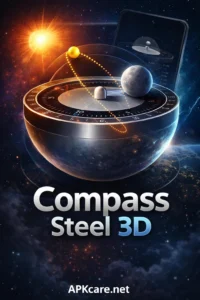
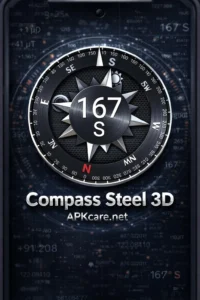
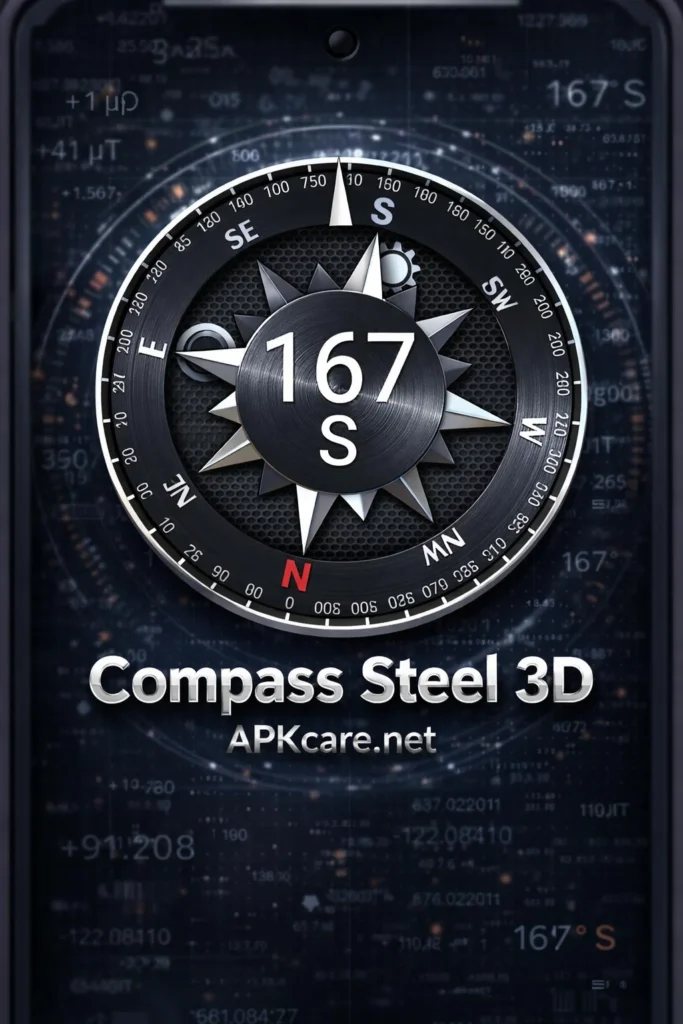
Compass Steel 3D is a compass navigation app for Android that combines accurate directional readings with a beautifully designed three dimensional compass interface. The app uses your phone’s built-in magnetic sensor to detect direction and displays the results on a realistic steel compass that looks and feels like a real physical instrument.
What sets this app apart from basic compass apps is the attention to both function and design. Most compass apps show you a flat arrow or a simple dial.This app goes further by giving you a detailed and polished 3D compass face that rotates smoothly as you move your phone around. It looks impressive and works reliably which is a combination that not many apps in this category manage to pull off together.
The app is built for anyone who needs directional guidance on the go. Whether you are an outdoor enthusiast, a traveler, a hiker, or just someone who gets turned around easily in new places, this app gives you a dependable and visually satisfying tool to find your bearings.
Key Features
Opening Compass Steel 3D for the first time, the visual quality of the compass face immediately stands out. The steel texture, the smooth rotation, and the clean markings all come together to create something that feels premium without costing anything.
Here is what the app actually offers:
Accurate Direction Reading — Compass Steel 3D uses your phone’s magnetic sensor to deliver accurate compass readings in real time. The needle responds smoothly to changes in direction without jumping around or lagging behind your movements.
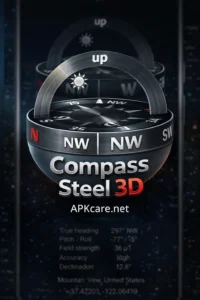
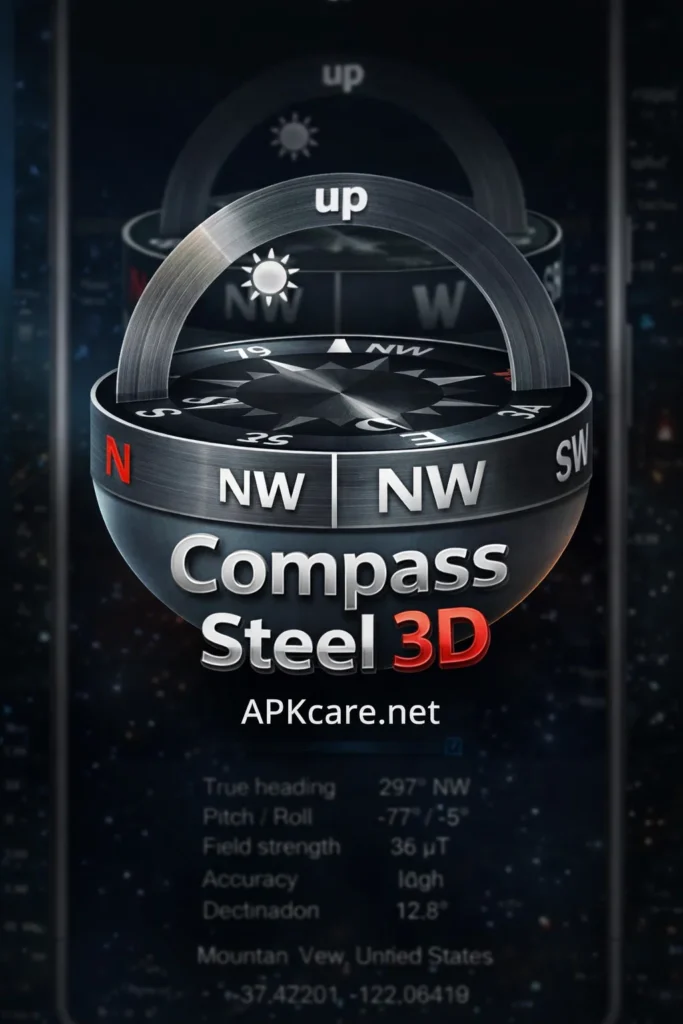
Stunning 3D Design — The three dimensional steel compass face is the visual highlight of the app. It looks like a real compass sitting in your hand and the smooth animation as it rotates makes it genuinely satisfying to use.
Degrees and Cardinal Points — The compass displays both degree values and the standard cardinal directions including North, South, East, and West as well as the points in between. This makes it useful whether you think in degrees or prefer simple directional labels.
True North and Magnetic North — Compass Steel 3D gives you the option to switch between true north and magnetic north depending on what your situation requires. This flexibility makes it more useful for serious navigation compared to basic compass apps.
Calibration Support — The app includes a calibration feature that helps you get the most accurate readings from your device. Calibrating takes just a few seconds and noticeably improves accuracy especially if your phone sensor has been giving inconsistent results.
Location Information — Alongside the compass, the app displays useful location data including your current coordinates, altitude, and location details. This extra information makes Compass Steel 3D more than just a directional tool.
Simple and Clean Layout — Despite the detailed visual design, the interface is easy to read at a glance. The information you need is always visible and nothing important gets hidden behind menus or extra screens.
Works Without Internet — Compass Steel 3D functions entirely without a network connection. The compass readings come from your phone’s hardware sensor, not from an online service, so it works anywhere including places with no signal at all.
Who Should Use Compass Steel 3D?
This app is useful for a wide range of people and you do not need to be an expert navigator to get value from it.
Hikers and outdoor enthusiasts who spend time in nature will find the app a reliable companion. Knowing which direction you are heading when trails are unclear or landmarks are hard to spot is genuinely important and Compass Steel 3D delivers that information clearly.
Travelers visiting new cities and unfamiliar places will appreciate having a quick way to check their orientation. Sometimes you just need to know which way is north to figure out which way to walk and this app answers that question instantly.
Campers who head into areas without mobile data coverage will find this app especially useful since the app works completely offline. No signal needed means it is always available when you need it most.
Students and curious users who want to understand how compass navigation works will enjoy the combination of accurate readings and the detailed visual display that this appprovides.
Anyone who simply appreciates well-designed apps will enjoy this app even as a casual tool. The visual quality makes it one of the more pleasant apps to open regardless of how often you actually need directional guidance.
How to Download Compass Steel 3D
Getting Compass Steel 3D on your Android phone is simple. Open the Google Play Store and search for the app by name. Look for the official listing, check the developer details and user reviews, and tap install. The download is quick and the app does not take up much storage space on your device.
For users who prefer the APK route, the Compass Steel 3D APK is available through trusted third-party platforms. Before installing any APK file you need to enable installation from unknown sources in your Android settings. Go to security or privacy settings and switch on the option that allows apps from outside the Play Store. Then open the downloaded file and follow the installation steps.
Always download from platforms that other users have confirmed as safe. Checking reviews and comments before downloading any APK file is a good habit that keeps your device protected.
The app is free to download and the core compass features are fully accessible without any payment.
Performance: How Does It Hold Up?
In real everyday use Compass Steel 3D performs well across a range of Android devices. The compass responds smoothly and accurately to directional changes without any noticeable lag or jumping.
The 3D animation is fluid and the steel compass face rotates in a way that feels natural and satisfying. It is one of those small details that makes you actually enjoy opening the app rather than just treating it as a utility you tolerate.
The calibration feature works as described. Running through the quick calibration process produces noticeably more stable and consistent readings which is worth doing especially the first time you use the app on a new device.
Location data displays accurately and updates at a reasonable speed. Having coordinates and altitude available alongside the compass reading adds genuine value for users who need more than just directional information.
The offline functionality is one of the strongest practical points. In areas with no signal the app continues working perfectly which is exactly when you need a compass the most.
Common Questions About Compass Steel 3D
Yes, the app is free to download and use on Android devices.
Yes, the compass works entirely offline using your phone’s built-in sensor.
The app is focused on Android. iPhone users would need to search for an alternative in the App Store.
Accuracy depends on your phone’s magnetic sensor quality. Using the calibration feature gives you the best possible results from your specific device.
Final Thoughts
Compass Steel 3D delivers a combination that is harder to find than you might expect: a compass app that is both accurate and genuinely beautiful to look at. The 3D steel design, smooth animation, reliable readings, and offline functionality make it one of the better compass apps available for Android right now.
Whether you need it for hiking, travel, camping, or just everyday orientation, Compass Steel 3D is worth downloading. It is free, works without internet, and looks great every time you open it.